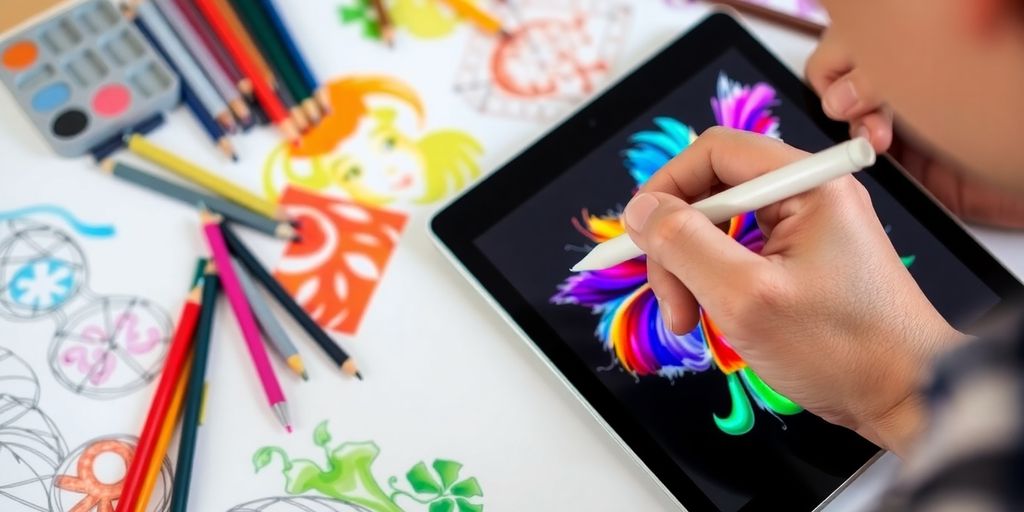
Nowadays iPad has grown into a powerful creative tool for artists and illustrators alike over the course of a decade. The high-resolution display, complemented by compatibility with the Apple Pencil and a wide array of design applications, has turned the iPad into a portable digital studio-capable of sparking creativity anywhere, anytime. This device offers endless possibilities for beginning illustrators to create through sketching, painting, or designing.
However, choosing the right drawing application might turn out to be overwhelming since there are heaps of them available. This article considers some of the best iPad drawing applications that are friendly for beginners yet full of features.
1. Procreate
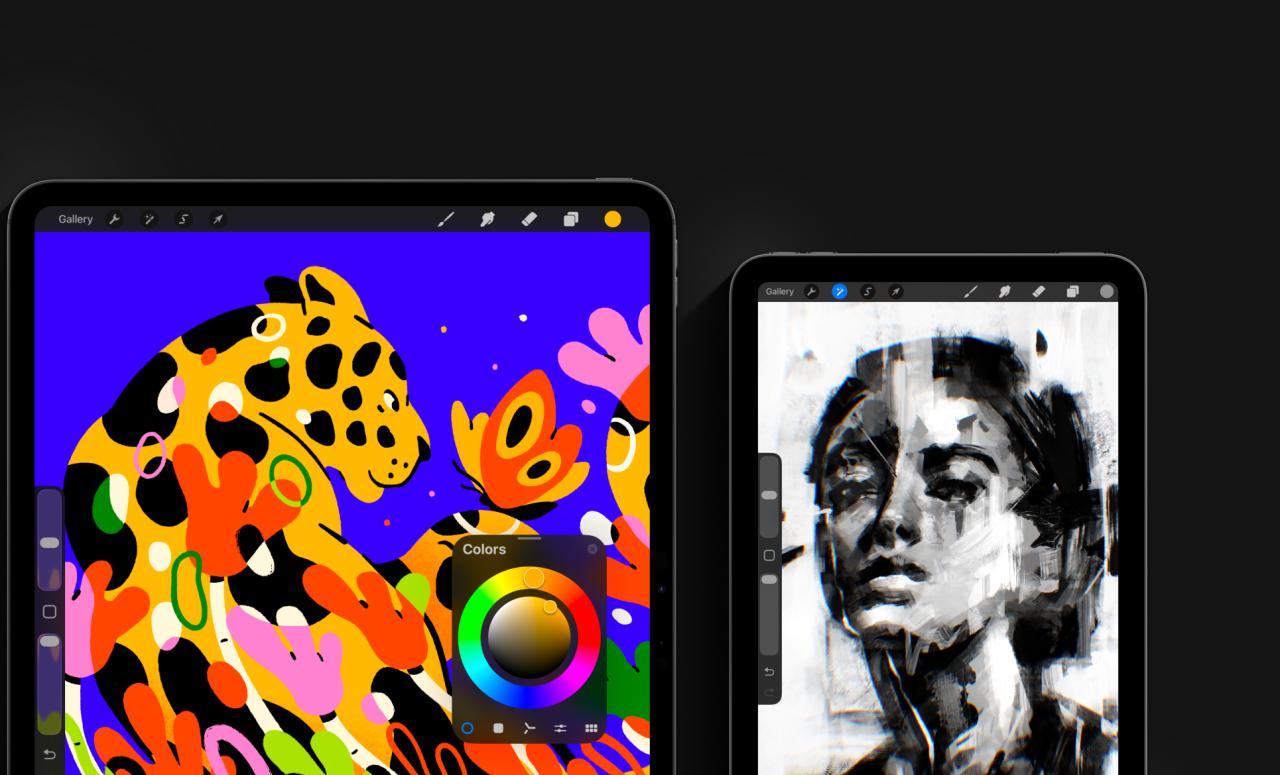
Procreate is often regarded as the gold standard when it comes to digital illustration on an iPad. Professional-level functions meet intuitive ease of use in this very user-friendly program, which allows even beginners to get a handle on how to work it pretty quickly. Users can play around with hundreds of customizable brushes, layering options, and powerful editing tools.
Despite all the advanced functions, Procreate is very intuitive and friendly. Its one-time purchase model, rather than a subscription, also makes it available for aspiring illustrators just starting their journey in this domain.
2. Adobe Fresco
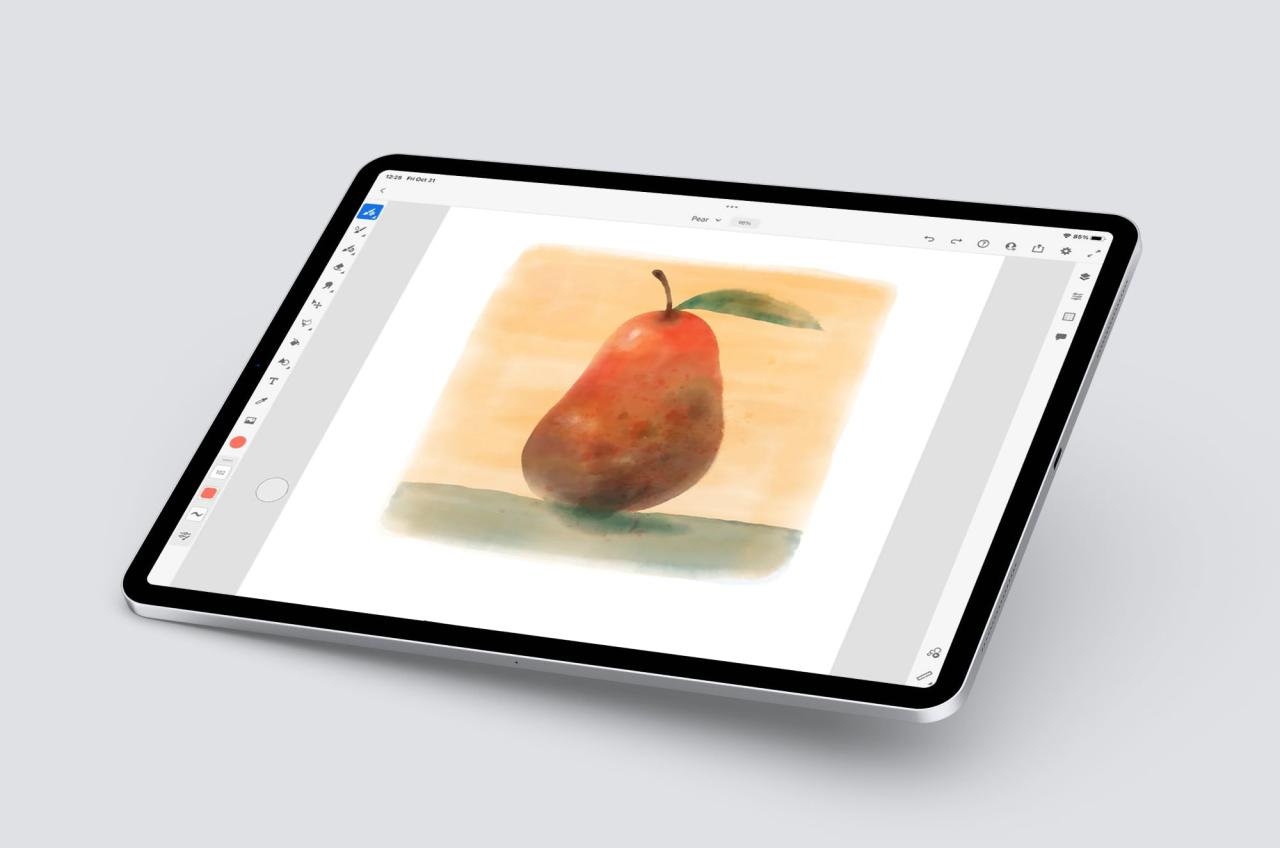
Fresco by Adobe is the bridge between traditional and digital art. It targets a wide audience, from beginners to professionals, who want to feel the touch of real painting and drawing. What really sets Adobe Fresco apart is its Live Brushes that simulate realistic watercolor and oil painting textures.
It has a very simple layout that is really easy for beginners to use, and it integrates well with other Adobe applications like Photoshop and Illustrator. Cloud syncing enables artists to start something on the iPad and pick it up later on the desktop. The app does have both free and premium versions to suit different users’ needs.
3. Autodesk SketchBook
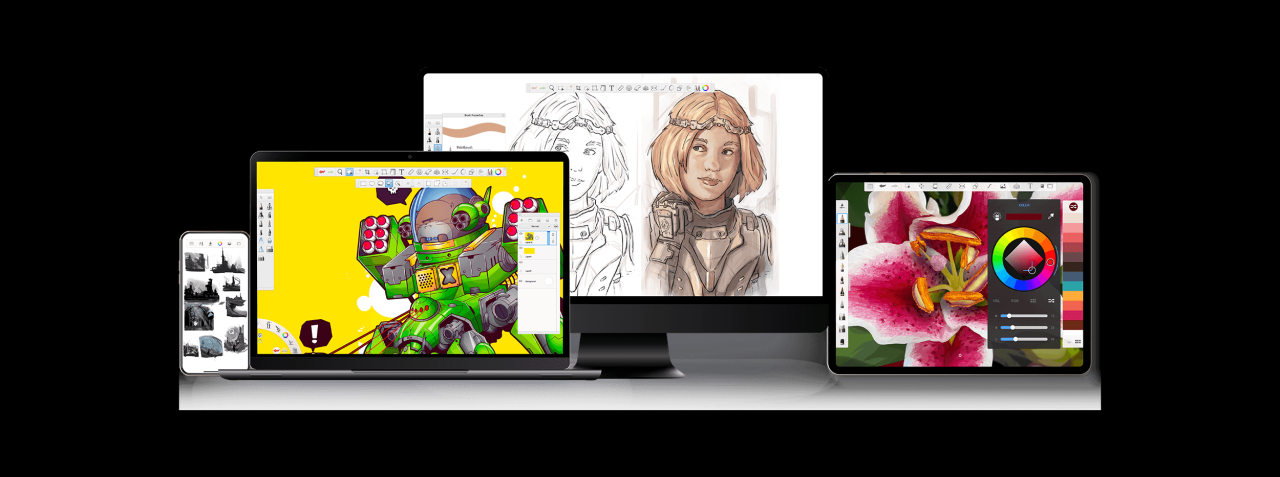
Autodesk SketchBook fulfills all the beginners’ needs with something powerful and completely free. Autodesk SketchBook gained fame with its smooth drawing experience combined with a clean interface. It helps users build professional works without distraction. Featuring an extensive library of brushes and blending tools, along with perspective guides perfect for ideation sketching and fleshing out detailed illustrations.
Free and virtually having no learning curve, SketchBook is often recommended to those just starting to create digital illustrations.
4. Concept
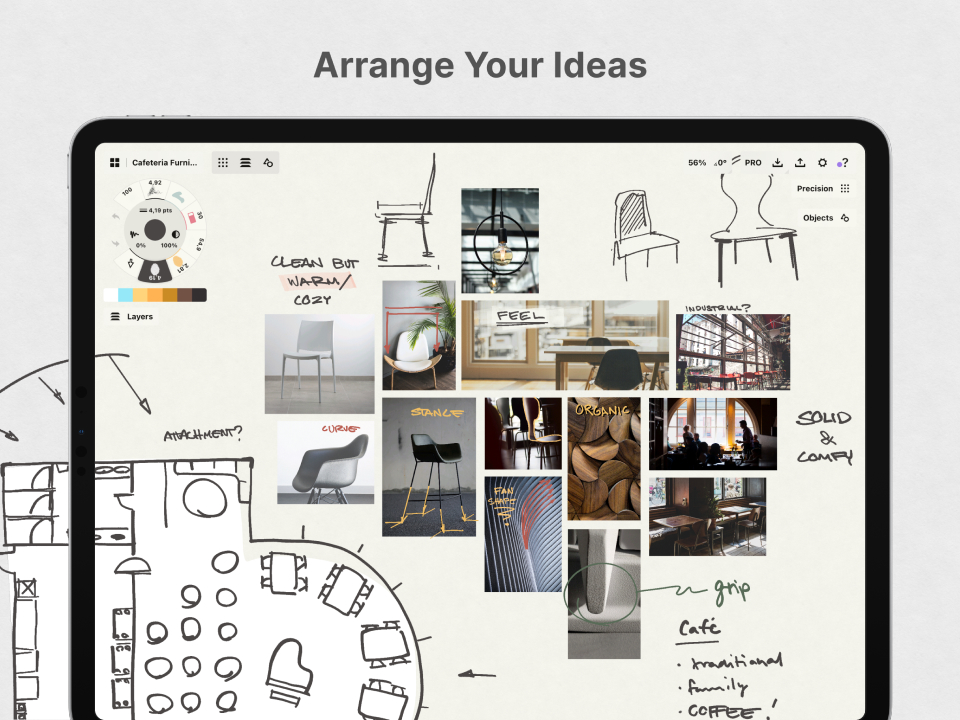
Concepts is more than just a drawing app-it’s a flexible visual thinking tool for sketching, designing, and planning. The infinite canvas lets the artist zoom in or out with ease, ideal for brainstorming, architecture sketches, or creative storyboarding.
Its vector-based system lets users edit and adjust any stroke, giving beginners the free space to experiment without fearing mistakes. Smooth Apple Pencil support and a minimalistic design help Concepts keep users focused on their creation, not complications in technology.
5. Tayasui Sketches
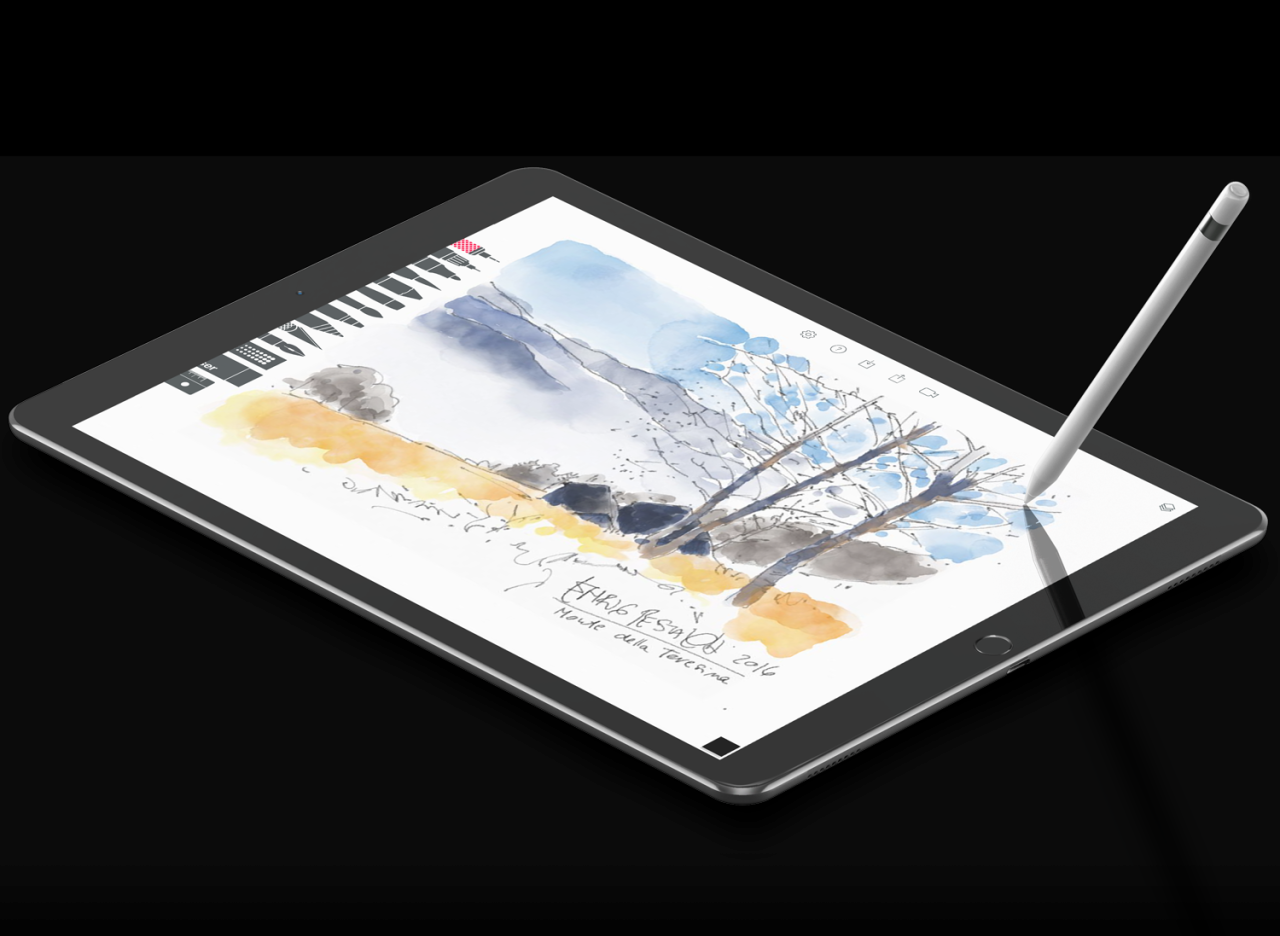
Tayasui Sketches is a beautifully natural drawing experience for beginners who love simplicity. It accurately emulates traditional media, like pencils, watercolor brushes, and markers. Its uncluttered interface is inviting to those seeking to explore easily, and it contains layers and blending modes that allow gradual development into more advanced skills.
It’s an excellent application for digital illustrators who want that feel of actual drawing without being overwhelmed by technical settings, like with some more advanced apps.
Choosing the Right App for You
The main thing with using an iPad drawing app is that it fits your needs. If you’re a complete beginner, you’ll want an app that will help educate and explore your skills. Whether you prefer the professional polish of Procreate, the realism of Fresco, or even the simplicity of Tayasui Sketches, the iPad offers the room to grow as an illustrator. With the right app and a bit of practice, even a newbie can turn their ideas into stunning digital artwork.